
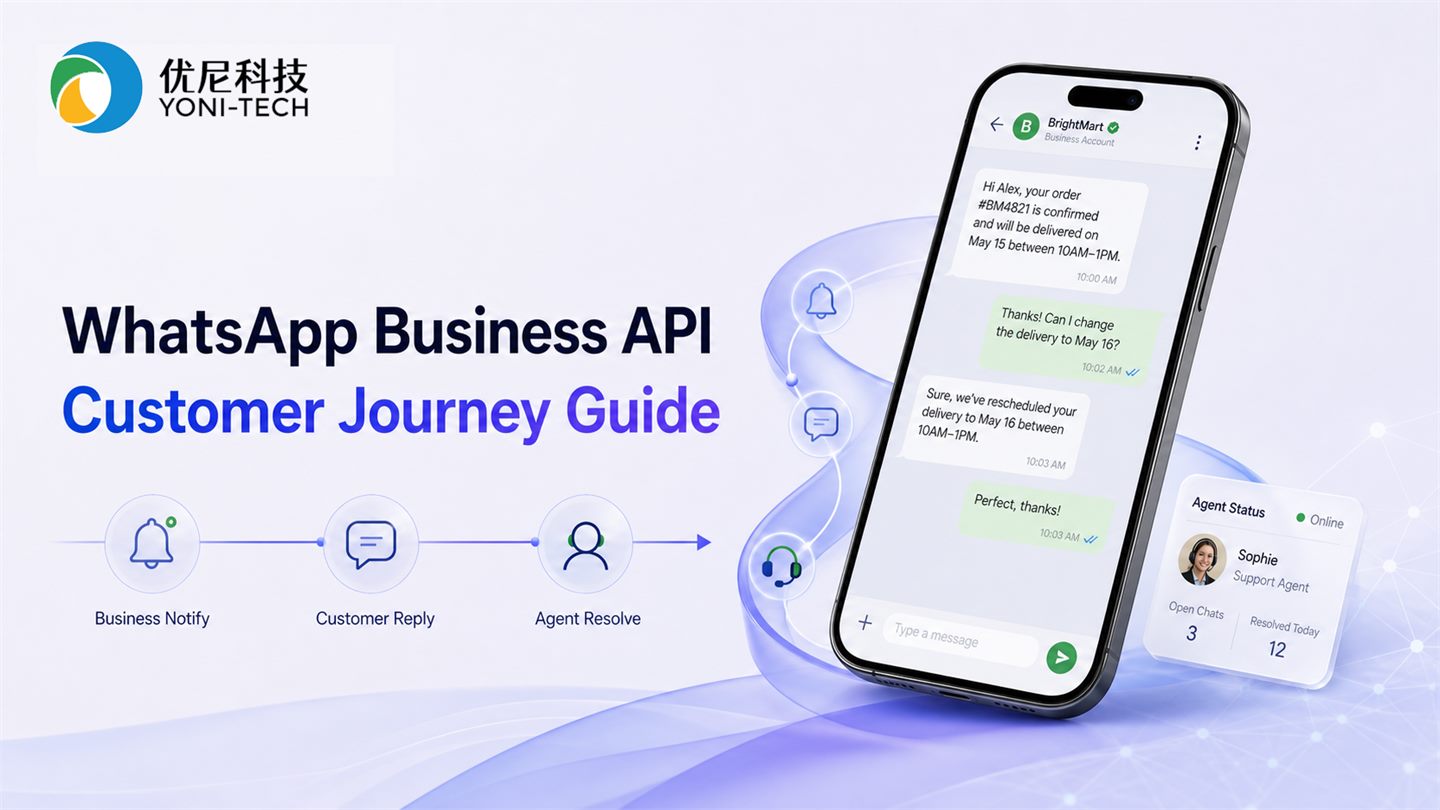
Executive summary
WhatsApp Business API works best for rich, two-way, ongoing conversations such as order updates, appointment reminders, support, and opted-in marketing. SMS should often remain available for verification and urgent fallback.
Four journeys worth launching first
- Order and delivery updates with status and next actions
- Appointment reminders with confirm, reschedule, and cancel options
- Customer service that preserves context in one conversation
- Permission-based marketing that supports immediate product questions
How WhatsApp, SMS, and email work together
| Channel | Best for | Watch for |
|---|---|---|
| Rich media, two-way service, conversational marketing | Templates, consent, and conversation rules | |
| SMS | OTP, urgent alerts, broad reach | Message length, sender identity, and local rules |
| Long-form content, bills, reports, and records | Open rates and spam filtering |
A framework for choosing the first workflow
Map the customer journey and identify steps with long waiting times, repetitive questions, or unnecessary page changes. For each step, define the trigger, message template, human handoff, and outcome metric.
- Business value: impact on conversion, retention, or service cost
- User intent: whether the customer needs to reply or take another action
- Content format: whether media and buttons materially improve the experience
- Operating model: whether the team can respond and resolve exceptions
- Measurement: reply rate, resolution time, conversion, and opt-out rate
Use a scoring model to choose the first WhatsApp workflow
WhatsApp projects often struggle when teams try to move support, notifications, and marketing at once. Score each journey first. Launch the workflows with high business value, strong user intent, simple template approval, and manageable human handoff.
| Dimension | High-priority signal | Low-priority signal |
|---|---|---|
| Business value | Affects payment, repeat purchase, complaints, or service cost | Only adds another delivery channel |
| User intent | The user needs to confirm, ask, or continue an action | The user only needs to glance at information |
| Content format | Images, buttons, or lists remove steps | Plain text is enough |
| Operations | The team can handle replies and exceptions | No clear SLA or owner |
| Compliance readiness | Consent, templates, and opt-out rules are prepared | User source and permission records are unclear |
Design templates, consent, and handoff together
- Map each template to one clear business purpose instead of using vague wording for every scenario
- Record consent source, time, and channel scope to avoid later campaign disputes
- Create human-handoff rules for payment disputes, unrecognized bot intent, and high-value customers
- Measure WhatsApp inside the whole customer journey instead of treating open rate as the main result
- Track reply rate, resolution time, conversion, opt-out rate, and complaint rate over time
Frequently asked questions
Can WhatsApp completely replace SMS?
Usually not. Channel preferences differ by market, and verification or urgent notifications benefit from a dependable fallback. A better strategy orchestrates channels based on user preference and message purpose.
Should a WhatsApp project optimize for open rate first?
Open rate only shows that the message was seen. Order updates, reminders, support, and marketing should be measured by confirmation rate, reschedule rate, resolution time, conversion, opt-out rate, and complaint rate.
How should WhatsApp and SMS work as fallback channels?
Choose the first channel based on permission, country coverage, urgency, and the user's response history. Verification, payment confirmation, and security alerts usually need SMS or voice fallback. Service and marketing journeys often fit WhatsApp first.
Should a business launch automation or live agents first?
Automate frequent questions with clear rules while keeping an obvious path to a person. Complex complaints, payment disputes, and high-value conversations still require human judgment.

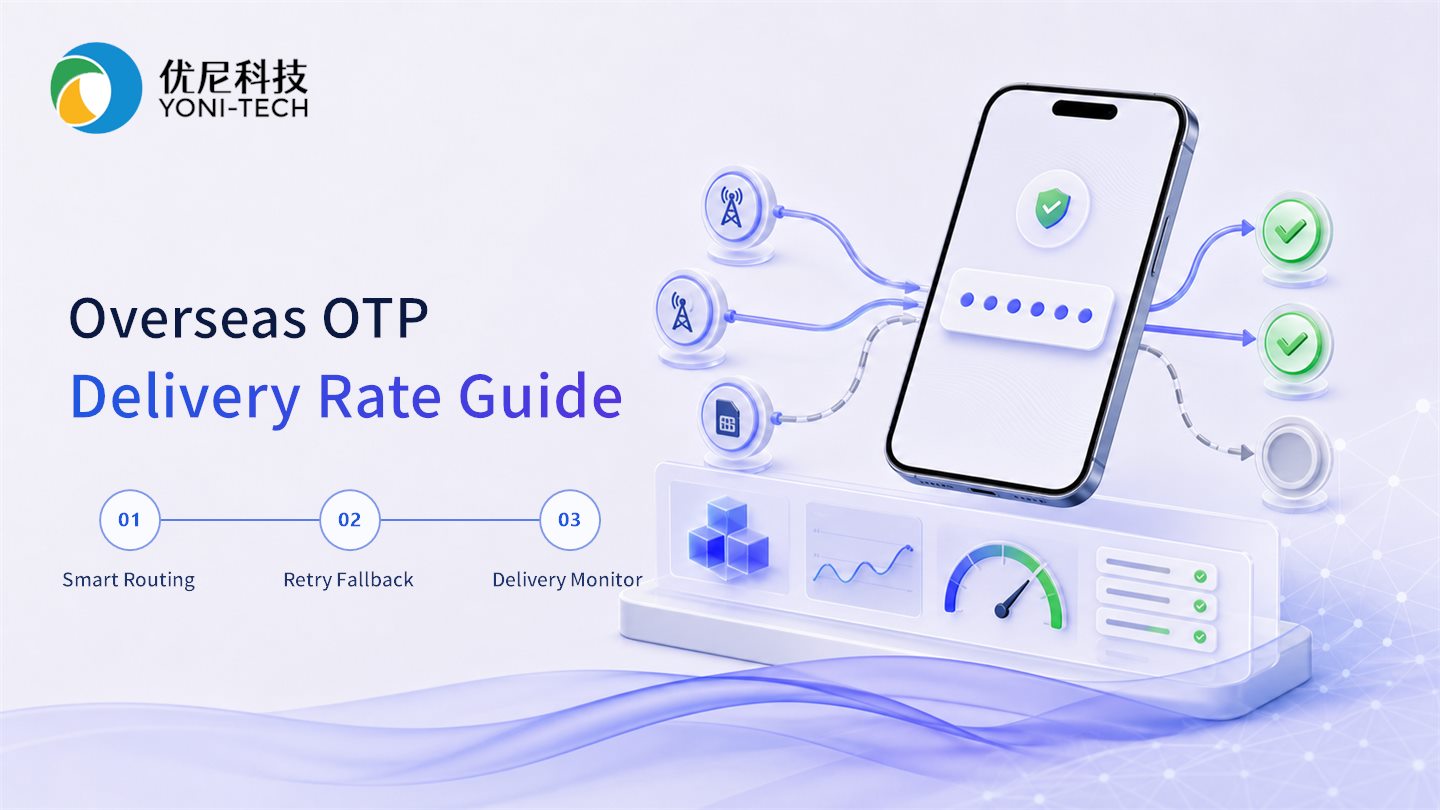
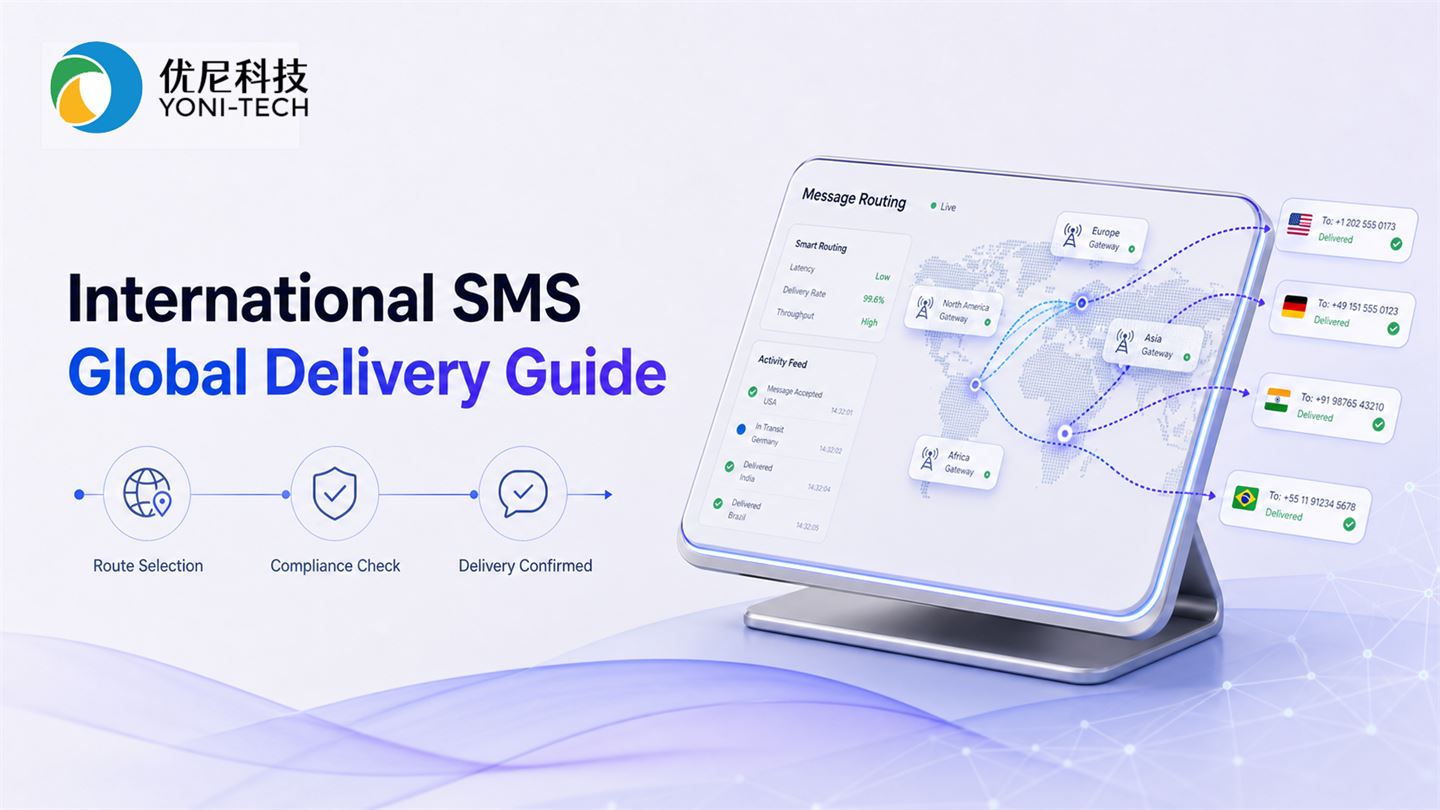

 SMS
SMS  WhatsApp